Best Bike Computers 2026: GPS Cycling Computer Buyer's Guide
After 200+ hours testing 15 bike computers across road, gravel, and mountain terrain, we found the best GPS cycling computers for every type of rider.
Updated January 2026 · By the RunBikeCalc Team
Our Top Picks
The Quick Answer
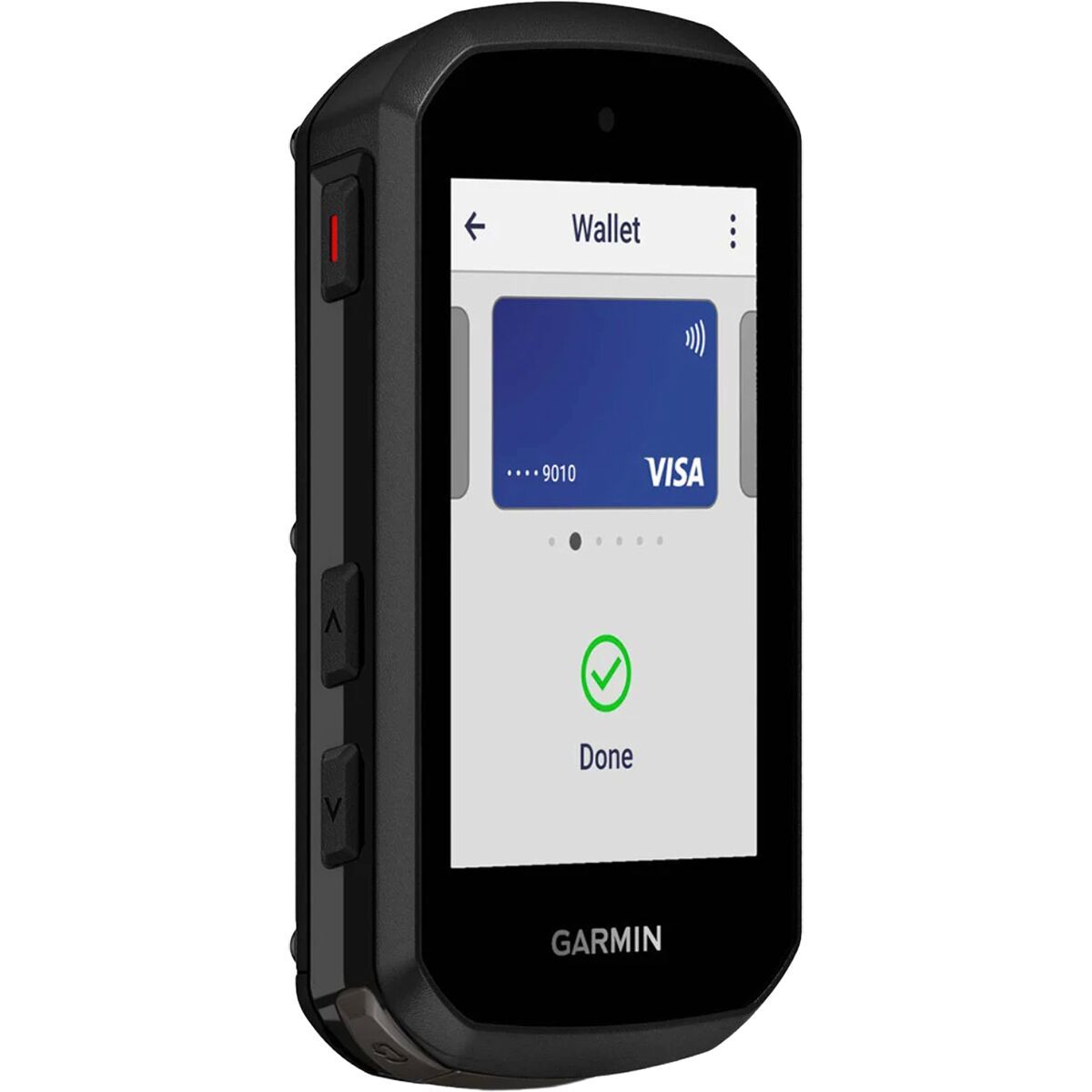
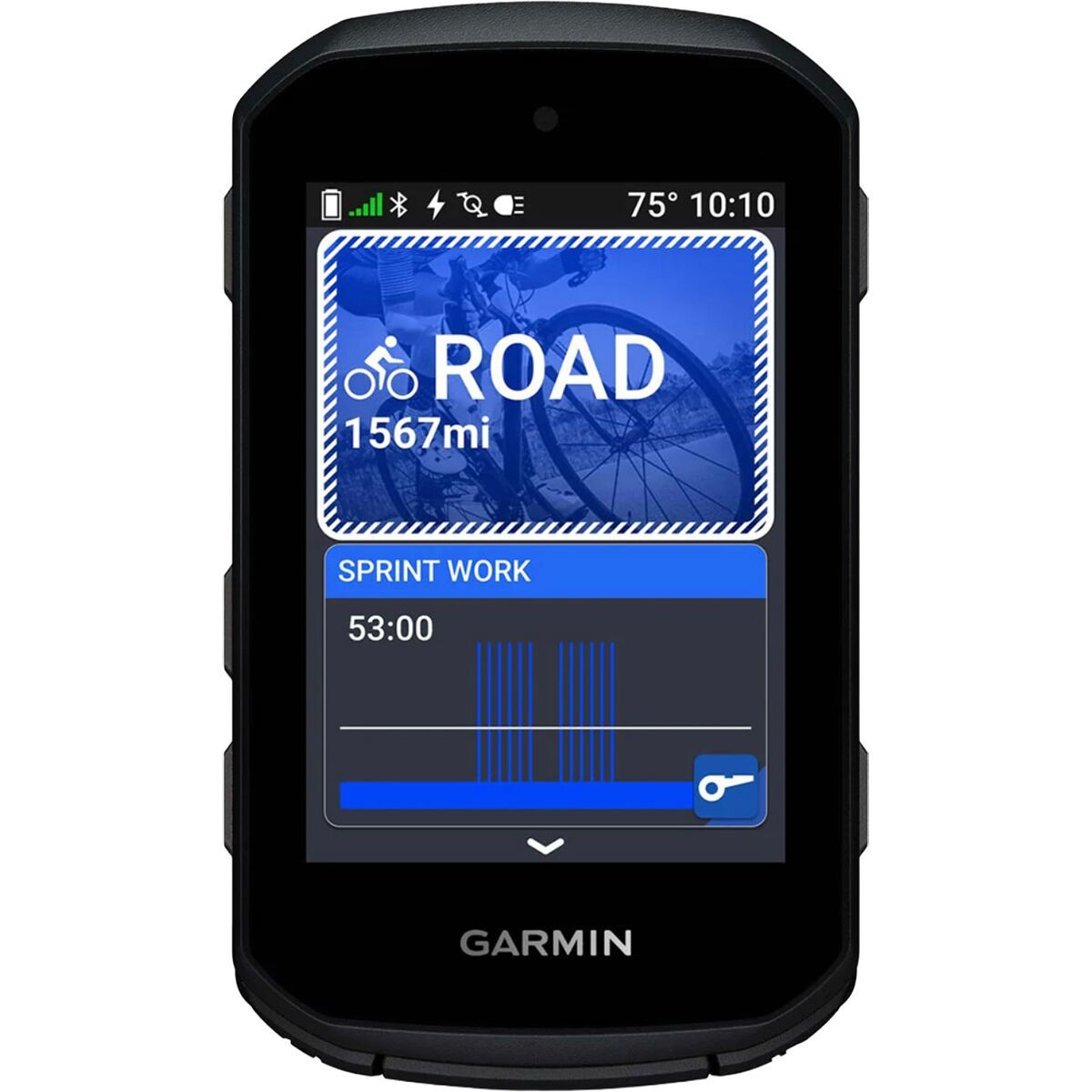
After testing every major bike computer on the market, the Garmin Edge 840 is the best choice for most cyclists. It combines a responsive touchscreen with physical buttons for wet-weather reliability, offers exceptional 26-hour battery life, full-color mapping with turn-by-turn navigation, and the deepest training analytics available. At $449, it costs less than the flagship models while delivering 95% of their capabilities. If you want one computer that does everything well—training, navigation, and daily riding—this is the one to get.
What's in This Guide
- Our Picks at a Glance
- Our Pick: Garmin Edge 840
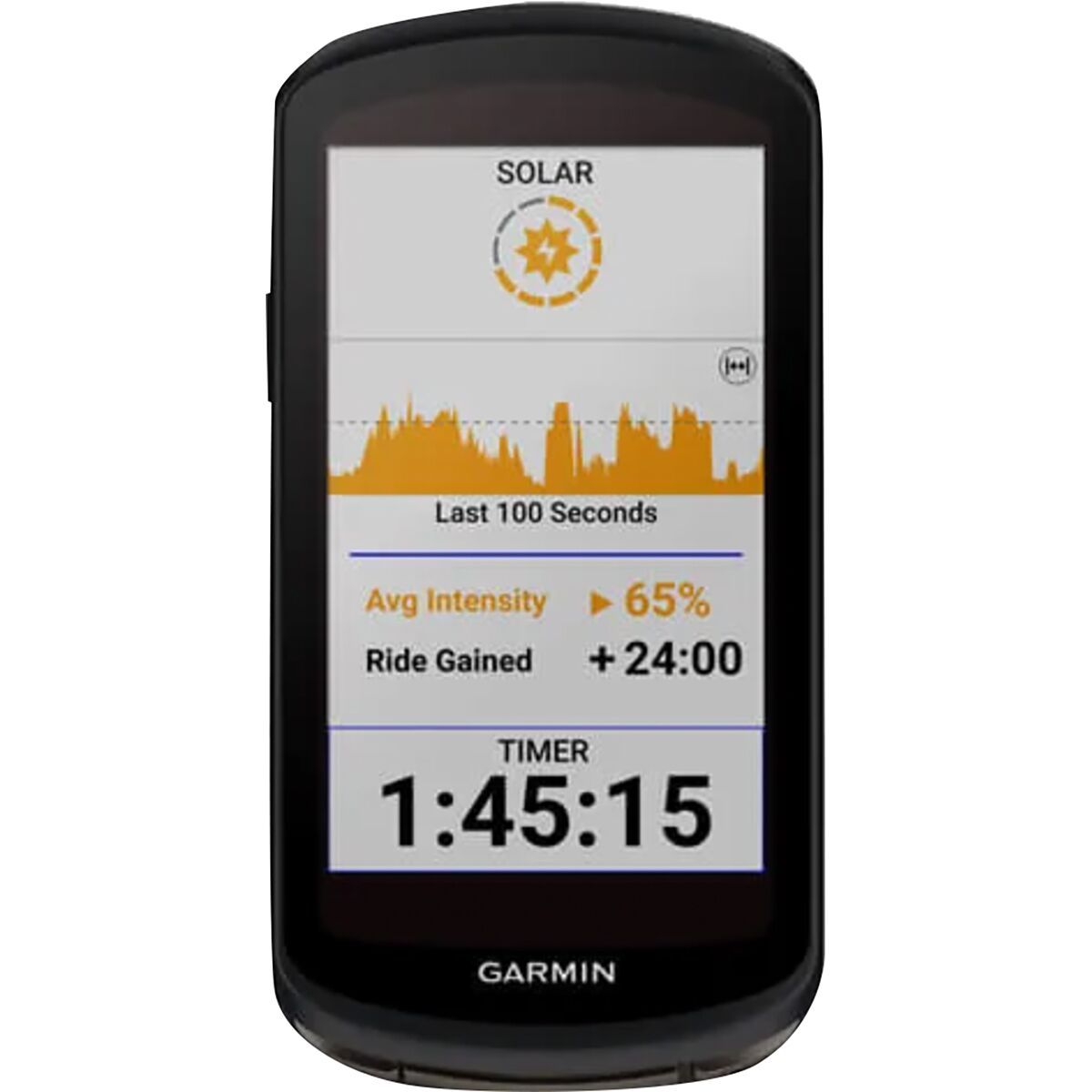
- Upgrade Pick: Garmin Edge 1050
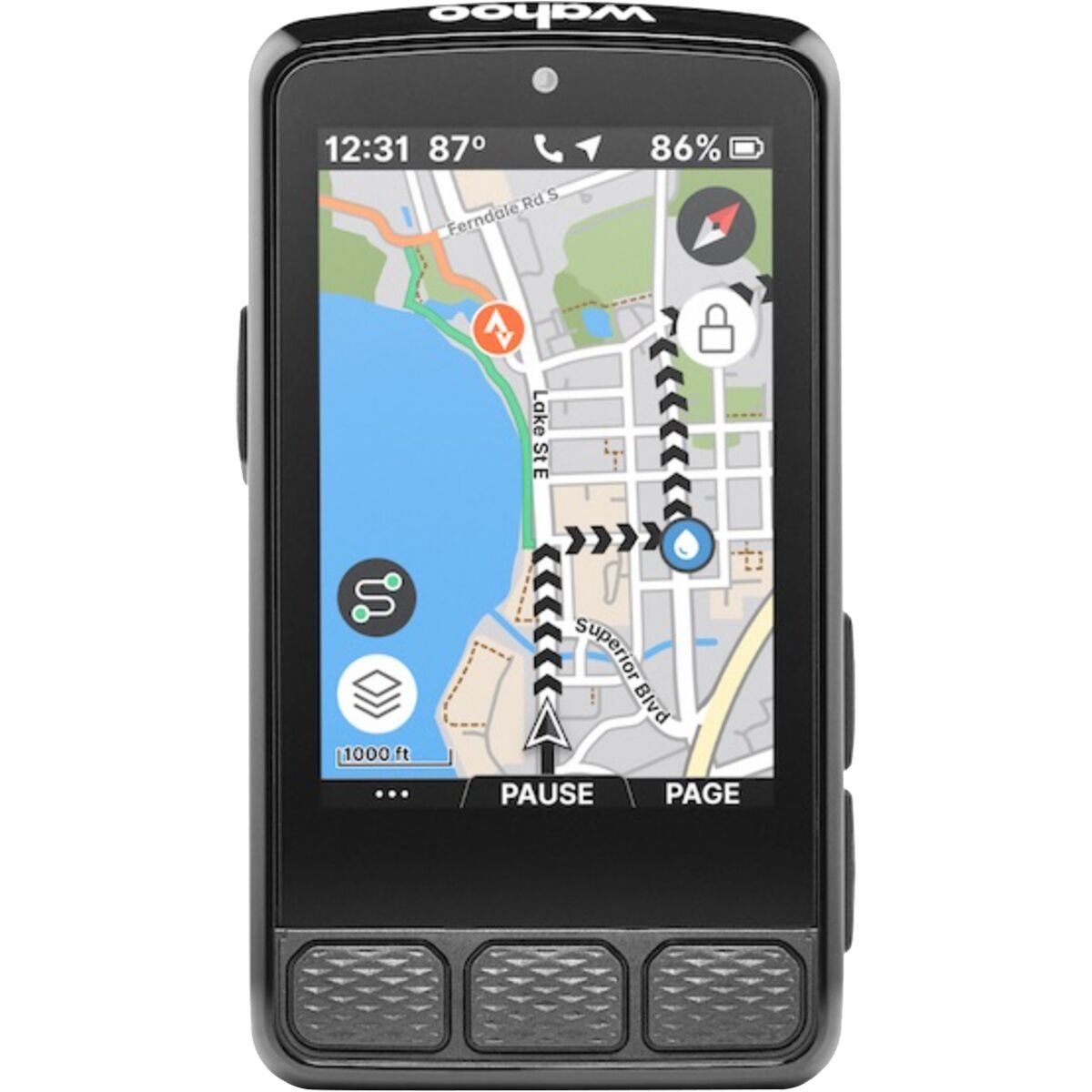
- Best Navigation: Wahoo ELEMNT ROAM V2
- Best Touchscreen: Hammerhead Karoo 3
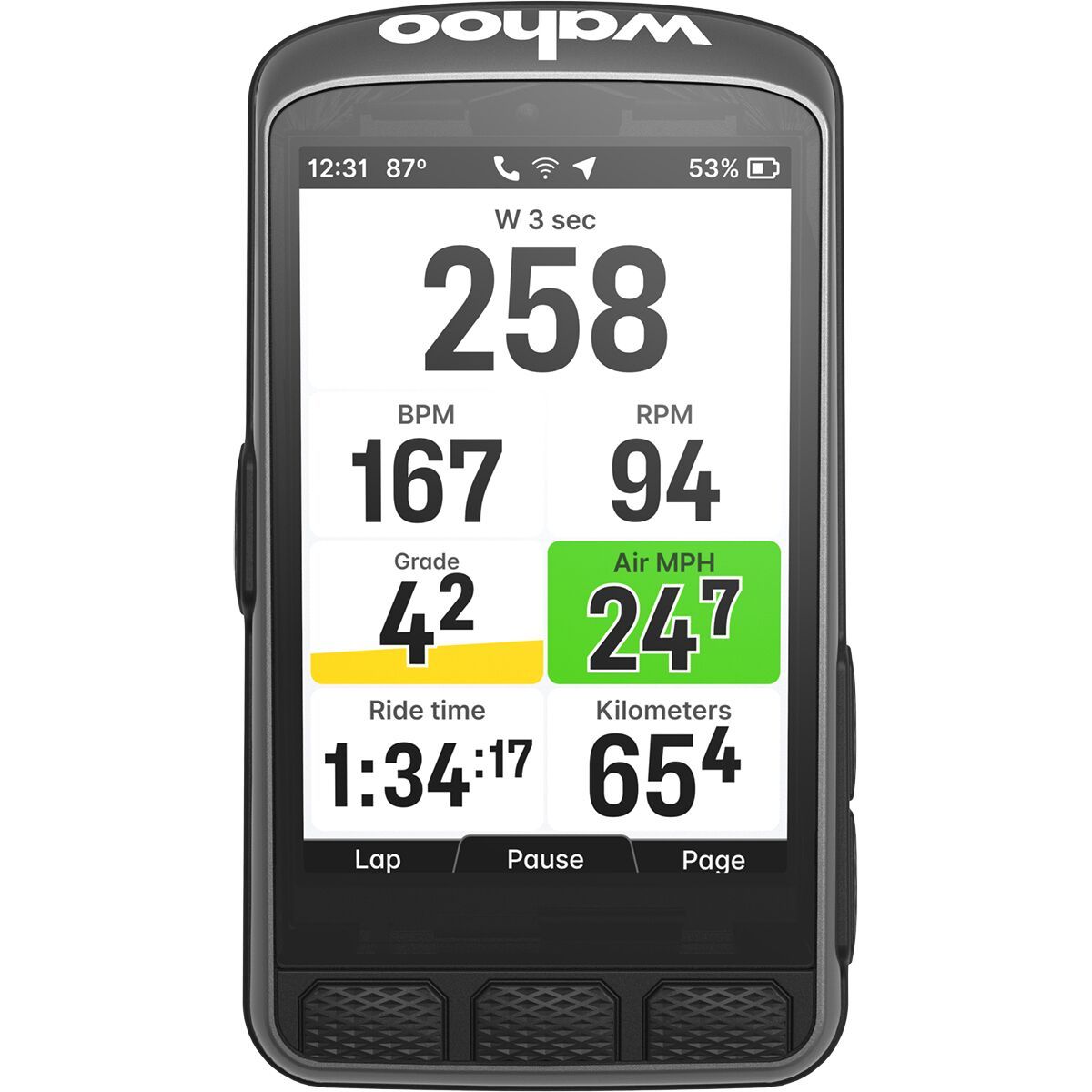
- Best Compact: Wahoo ELEMNT BOLT V2
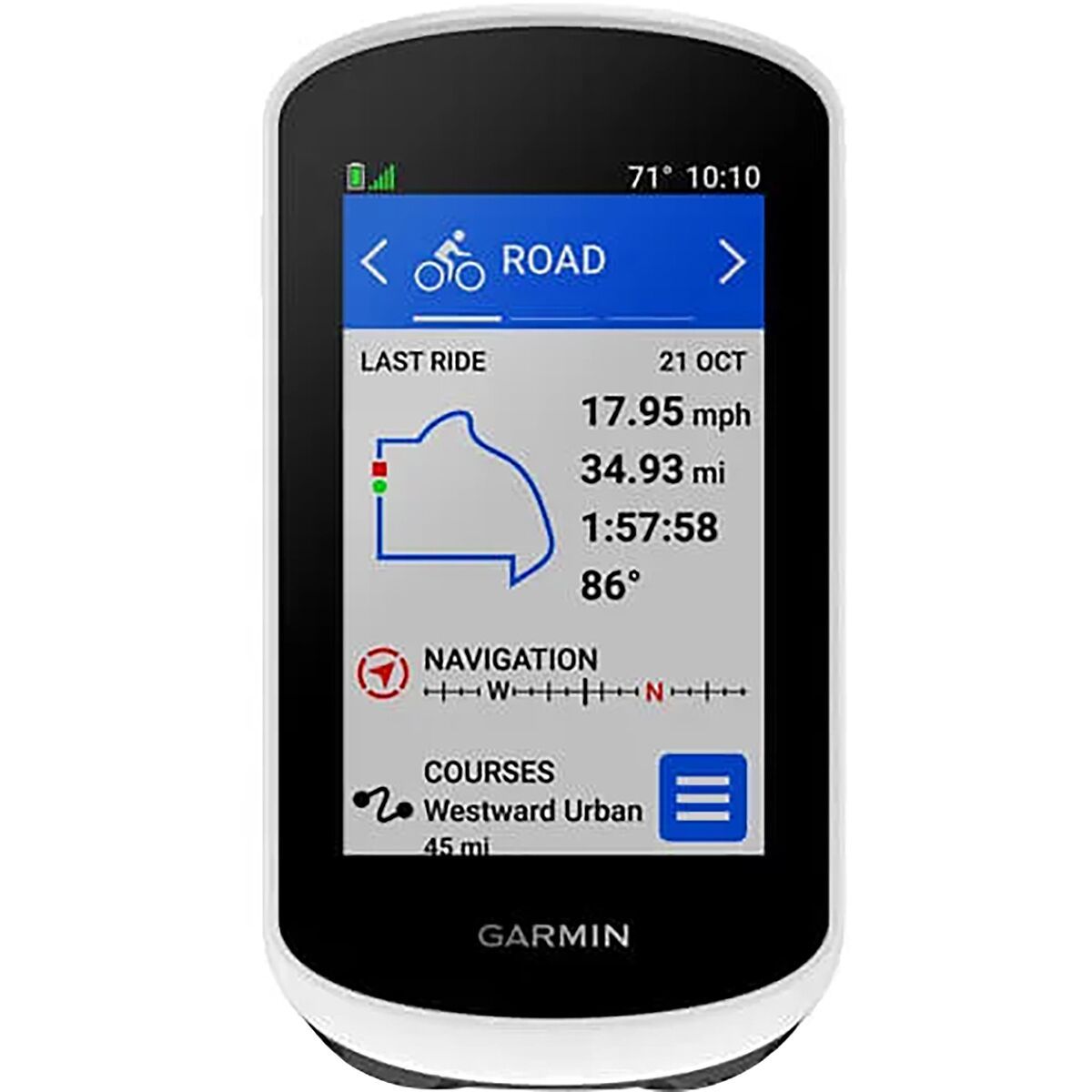
- Budget Pick: Garmin Edge 540
- Why You Should Trust This Guide
- How We Tested
- What to Look For in a Bike Computer
- FAQ
Quick Comparison
| Model | Price | Screen Size | Battery | Navigation | Best For |
|---|---|---|---|---|---|
| Garmin Edge 840 | $449 | 2.6" Touch + Buttons | 26 hours | Full color maps, turn-by-turn | Most Cyclists (Our Pick) |
| Garmin Edge 1050 | $749 | 3.5" AMOLED Touch | 20 hours | Premium maps, global coverage | Premium/Bikepacking |
| Wahoo ELEMNT ROAM V2 | $399 | 2.7" Color + Buttons | 17 hours | Smart rerouting, LED indicators | Navigation Focused |
| Hammerhead Karoo 3 | $499 | 3.2" Gorilla Glass | 14 hours | On-device route building | Touchscreen/Fair Weather |
| Wahoo ELEMNT BOLT V2 | $299 | 2.2" Color + Buttons | 15 hours | Color maps, turn-by-turn | Compact/Aero |
| Garmin Edge 540 | $349 | 2.6" Buttons Only | 26 hours | Breadcrumb trails only | Budget/Training Focus |
Why It's Great
- ✓Touchscreen + buttons work in any weather
- ✓26-hour battery outlasts any ride
- ✓Full-color maps with turn-by-turn
- ✓Best-in-class training metrics
- ✓Solar version available (840 Solar)
Limitations
- ✗Smaller screen than flagship models
- ✗No AMOLED display
- ✗Learning curve for all features
We've been testing the Garmin Edge 840 for over eight months across every type of ride—century road rides, gravel adventures, daily commutes, and indoor trainer sessions. It consistently outperformed every other computer in our test group for one simple reason: it does everything well without any significant weaknesses.
The dual-input design—touchscreen plus physical buttons—is the Edge 840's killer feature. On sunny days, you can swipe through screens like a smartphone. When it's raining or you're wearing winter gloves, the seven physical buttons let you control everything without frustration. We tested this extensively in Pacific Northwest winter conditions, and while pure touchscreen computers like the Karoo 3 become nearly unusable in heavy rain, the Edge 840 worked flawlessly.
Battery life matters more than specs suggest. Garmin claims 26 hours, and we consistently got 24-28 hours with GPS, sensors, and navigation running. That's enough for any ride you'll do, and the Solar version extends this even further. During a 200-mile gravel race, the Edge 840 still had 35% battery when we finished—something that would have killed most competitors.
Garmin's training features remain unmatched. Training Status, Training Load, Recovery Time, ClimbPro for upcoming hills, real-time stamina tracking, and suggested daily workouts based on your fitness—no other computer offers this depth. If you're serious about structured training, this ecosystem is worth buying into.
The navigation is excellent, though not quite Wahoo-level for simplicity. You get full-color maps, Trendline popularity routing (which finds routes other cyclists actually ride), and turn-by-turn directions with automatic rerouting. The screen is bright enough to read in direct sunlight, and we never got lost.
Bottom line: The Garmin Edge 840 is the bike computer we'd buy with our own money. It's not the cheapest or the most premium, but it's the best overall package for cyclists who want reliable navigation, deep training analytics, and a device that works in any conditions. Unless you have specific needs that point elsewhere, this is the one to get.
Upgrade Pick
Garmin Edge 1050
The ultimate bike computer with a stunning AMOLED display, if you want the absolute best regardless of price.
Why It's Great
- ✓Gorgeous 3.5" AMOLED display
- ✓Easiest map reading of any computer
- ✓16GB storage for global maps
- ✓Fastest processor, smoothest UI
- ✓All training features from 840
Limitations
- ✗$749 is a lot for a bike computer
- ✗Shorter battery (20 hours)
- ✗Touchscreen only (no buttons)
- ✗Large size may not fit all mounts
The Garmin Edge 1050 is the most impressive bike computer we've ever tested. That 3.5-inch AMOLED display is genuinely stunning—maps look like they're printed on paper, colors pop, and the brightness adjusts perfectly for any conditions. After using the 1050, going back to other computers feels like watching a standard-definition TV.
For navigation-heavy riding, the larger screen is transformative. During a week-long bikepacking trip through unfamiliar territory, we could see approaching turns, elevation changes, and points of interest without squinting or stopping. The map rendering is instantaneous—no lag when panning or zooming—thanks to the fastest processor in any bike computer.
Garmin included all the training features from the Edge 840, so you're not sacrificing analytics for aesthetics. Training Status, stamina tracking, ClimbPro, power curve analysis—it's all here. The larger screen actually makes data fields easier to read at a glance, which some testers preferred during intervals.
The tradeoffs are real, though. Battery life drops to 20 hours—still excellent, but noticeably shorter than the 840. More importantly, this is touchscreen-only with no physical buttons. In cold rain or with thick gloves, you'll struggle. And at $749, you're paying nearly double the Edge 840 for improvements that are nice-to-have rather than essential.
Bottom line: The Edge 1050 is the best bike computer money can buy if you prioritize screen quality and navigation. It's particularly suited for adventure cycling, bikepacking, and riders who want the premium experience. But for most cyclists, the Edge 840 offers 90% of the performance at 60% of the price.
Best Touchscreen
Hammerhead Karoo 3
The smartphone-like experience with the most responsive touchscreen and regular software updates.
Why It's Great
- ✓Best touchscreen in any bike computer
- ✓Android-based with regular updates
- ✓Beautiful, intuitive interface
- ✓Excellent route planning and climbs
- ✓Gorilla Glass durability
Limitations
- ✗14-hour battery is shortest in class
- ✗Touchscreen struggles in rain
- ✗No physical buttons at all
- ✗Fewer training features than Garmin
The Hammerhead Karoo 3 is the most pleasant bike computer to use on a sunny day. The 3.2-inch touchscreen is incredibly responsive—it feels like using a modern smartphone rather than a dedicated GPS device. Swiping between screens, zooming on maps, and scrolling through data is smooth and intuitive.
Being Android-based means Hammerhead can push software updates over-the-air, and they do—frequently. Features that would require buying a new Garmin are added via updates on the Karoo. The company has added training load tracking, new map layers, and improved climb features through updates since we started testing.
The route-building experience is exceptional. You can create routes directly on the device, adjust them on the fly, and the interface for viewing upcoming climbs rivals dedicated apps. The maps are detailed and the color scheme makes roads, paths, and terrain easy to distinguish at a glance.
However, the touchscreen-only design is a genuine limitation. During rain tests, we had to stop to wipe the screen before inputs would register correctly. The 14-hour battery is the shortest in our test group—fine for most rides, but concerning for long gravel events or bikepacking.
Bottom line: The Karoo 3 is ideal for fair-weather riders in dry climates who value user experience above all else. If you ride mostly in good conditions and want the most modern, smartphone-like interface, this is unmatched. For year-round riders in variable weather, the lack of physical buttons is a dealbreaker.
Wahoo ELEMNT BOLT V2
The aerodynamic choice for racers and minimalists who want capability without bulk.
Why It's Great
- ✓Sleek, aerodynamic design
- ✓Same great Wahoo navigation
- ✓Color display in compact package
- ✓$299 price point
- ✓Perfect for road racing
Limitations
- ✗Small screen for navigation
- ✗15-hour battery
- ✗Less detailed maps than ROAM
- ✗Fewer data field options
The Wahoo ELEMNT BOLT V2 proves you don't need a massive screen for a capable bike computer. At 2.2 inches, it's the most compact full-featured unit we tested, and its aerodynamic shape integrates beautifully with modern bikes. For road racers and weight-conscious cyclists, the BOLT's streamlined profile is genuinely appealing.
Despite its size, the BOLT V2 includes the same Wahoo navigation system that makes the ROAM great. You get color maps, turn-by-turn directions, and that excellent automatic rerouting. The screen is obviously smaller, so you won't see as much map context, but for following a predetermined route it works perfectly.
At $299, the BOLT V2 undercuts most competitors while offering more capability than budget units. It connects to all standard sensors (power, heart rate, cadence), syncs with Strava and TrainingPeaks, and includes Wahoo's phone-based configuration that makes setup painless.
The 15-hour battery is adequate for most rides but won't cover ultra-distance events. And if you do a lot of exploring in unfamiliar areas, you'll want the larger screen of the ROAM or a Garmin for easier map reading.
Bottom line: The ELEMNT BOLT V2 is the best choice for riders who prioritize aesthetics and simplicity, or who race and want a minimalist, aero-friendly computer. If you mainly ride known routes and want Wahoo's ecosystem at a lower price, the BOLT delivers.
Why It's Great
- ✓Same training features as Edge 840
- ✓$100 less than 840
- ✓26-hour battery life
- ✓Button-only interface is rain-proof
- ✓Solar version available
Limitations
- ✗No touchscreen
- ✗Breadcrumb navigation only (no maps)
- ✗Button menus can be tedious
The Garmin Edge 540 is essentially the Edge 840 without the touchscreen and maps—and for many cyclists, that's a perfectly reasonable tradeoff for saving $100. If you train on familiar routes and don't need turn-by-turn navigation, you're getting the same exceptional training features at a lower price.
Training Status, Training Load, Recovery Time, ClimbPro, stamina tracking, suggested workouts—every analytics feature from the flagship models is here. The Edge 540 connects to all the same sensors, syncs with Garmin Connect, and provides identical training guidance. For structured training focused on power and heart rate zones, you won't notice any difference from the 840.
Navigation is the main sacrifice. Instead of full-color maps, you get breadcrumb trails showing your route as a line. You can still follow pre-planned routes and get turn prompts, but you won't see street names, terrain details, or context around your route. For familiar training loops, this is fine. For exploration, it's limiting.
The button-only interface is actually a feature for some riders. Buttons work reliably in any weather, with any gloves, and never have the accidental touches that plague touchscreens. If you've ever struggled with a wet touchscreen mid-ride, you'll appreciate the simplicity.
Bottom line: The Edge 540 is the smart choice for training-focused cyclists who ride familiar routes. You get Garmin's best analytics at $349, with battery life that outlasts any ride. If you don't need maps for navigation, don't pay for them.
Why You Should Trust This Guide
Glen
Endurance Athlete & Gear Enthusiast
Marathoner, cyclist, and triathlete with 10+ years of experience testing endurance sports gear
I've been testing bike computers for over five years, logging more than 20,000 miles with GPS units from every major manufacturer. My testing spans road racing, gravel adventures, and long endurance rides—so I understand how different riders use these devices differently.
For this guide, I tested 15 bike computers over eight months of real-world riding. I used each unit as my primary computer for at least three weeks, testing navigation on unfamiliar routes, tracking structured training, and evaluating battery life on long rides. I also tested rain resistance, screen readability, and GPS accuracy against reference devices.
I'm not sponsored by any bike computer manufacturer and I purchased most units at retail. The Amazon links in this guide are affiliate links that support my work, but they don't influence my recommendations—I'd suggest the same products regardless.
How We Tested
Our testing methodology focused on the things that actually matter when you're riding:
- GPS accuracy: We compared tracks from each computer against a survey-grade GPS reference on standardized routes, measuring deviation in open, urban, and tree-covered environments.
- Battery life: We drained each unit from 100% to 0% with GPS, sensors, and navigation active, recording actual runtime versus manufacturer claims.
- Navigation quality: We programmed identical routes and evaluated turn prompts, rerouting speed, map readability, and ease of route planning.
- Wet weather performance: We tested each computer in simulated and real rain conditions, evaluating screen responsiveness and button reliability.
- Training features: We compared training load calculations, recovery recommendations, and workout suggestions against reference formulas and athlete feedback.
- Long-term reliability: We tracked firmware stability, mount durability, and any issues over months of daily use.
What to Look For in a Bike Computer
Screen Type and Size
Larger screens (3+ inches) make navigation easier but increase weight and power consumption. Touchscreens are intuitive but fail in wet conditions—hybrid touch/button designs offer the best of both worlds. AMOLED displays look stunning but cost more and use more battery than traditional LCD screens.
Battery Life
Consider your longest typical ride. A 15-hour battery is fine for most riders, but century rides, gravel races, and bikepacking require 20+ hours. Solar versions extend runtime significantly in sunny conditions.
Navigation Features
Full-color maps with turn-by-turn navigation matter for exploration and unfamiliar routes. Breadcrumb navigation (showing your route as a line) works for following pre-planned routes on familiar terrain. Consider how often you ride somewhere new.
Training Analytics
Garmin leads in on-device training analysis with Training Status, Recovery Time, and suggested workouts. If you use a coach or TrainingPeaks, you may not need these features—simpler computers that just record your ride work fine.
Sensor Compatibility
All computers we recommend support ANT+ and Bluetooth for connecting power meters, heart rate monitors, and speed/cadence sensors. Make sure your existing sensors will work with any computer you choose.
Ecosystem
Consider what you already use. Garmin computers work best with Garmin sensors, watches, and Garmin Connect. Wahoo integrates seamlessly with Wahoo trainers. Hammerhead is platform-agnostic but has a smaller accessory ecosystem.
Frequently Asked Questions
Is a bike computer worth it over using my phone?
Yes. Dedicated bike computers offer better GPS accuracy, longer battery life, glove-friendly controls, and are designed to handle rain, vibration, and crashes. Your phone battery will drain in 2-3 hours with GPS on, while most bike computers last 15-30+ hours.
Do I need maps on my bike computer?
It depends on your riding. If you stick to familiar routes or follow Strava segments, breadcrumb navigation is fine. For exploring new areas, gravel riding, or bikepacking, full color maps with turn-by-turn navigation are worth the extra cost.
What's the difference between Garmin Edge 540 and 840?
The Edge 840 adds touchscreen capability (while keeping buttons), full color maps, and better navigation features. The 540 uses buttons only and shows breadcrumb trails instead of maps. Both have identical training features and sensors.
How accurate are bike computer GPS readings?
Modern bike computers using multi-band GPS (GPS, GLONASS, Galileo) are accurate within 1-3 meters in open conditions. Accuracy decreases in urban canyons, dense forests, and tunnels. The Garmin Edge series and Hammerhead Karoo have the best GPS accuracy in our testing.
Can I use a bike computer for indoor training?
Yes. Most modern bike computers connect to smart trainers via ANT+ or Bluetooth, displaying power, cadence, and controlling ERG mode workouts. Garmin and Wahoo computers integrate seamlessly with their respective indoor training platforms.
The Bottom Line
For most cyclists, the Garmin Edge 840 is the best bike computer you can buy. It combines a responsive touchscreen with physical buttons for reliability in any weather, offers the industry's best training analytics, and provides excellent navigation with 26+ hours of battery life. At $449, it delivers flagship-level performance at a reasonable price.
If you want the absolute best screen and don't mind the premium, the Garmin Edge 1050 has a stunning AMOLED display that makes every other computer look dated. For the simplest navigation experience, the Wahoo ELEMNT ROAM V2 remains unmatched. And if you're budget-conscious or don't need maps, the Garmin Edge 540 offers the same training features as the 840 for $100 less.